gemini-cli
Themes
Gemini CLI supports a variety of themes to customize its color scheme and appearance. You can change the theme to suit your preferences via the /theme command or "theme": configuration setting.
Available Themes
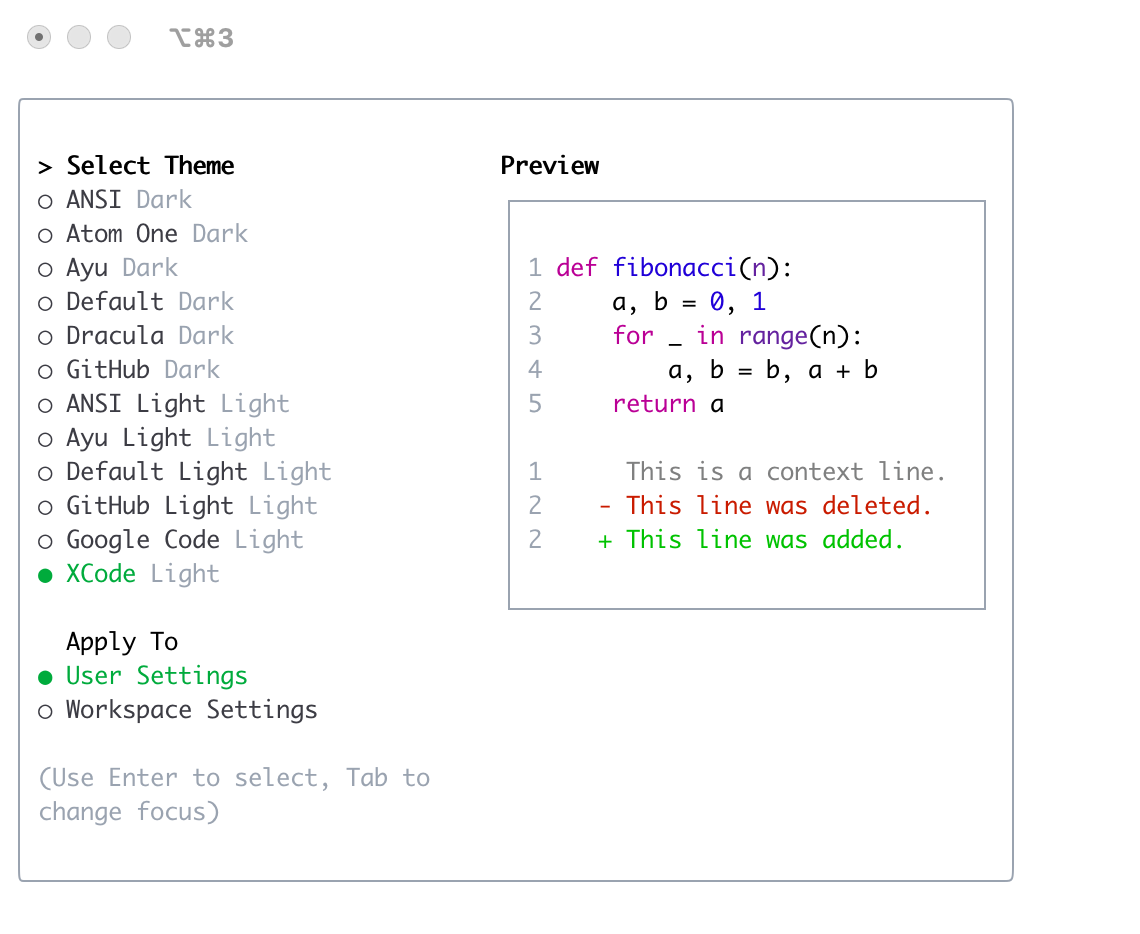
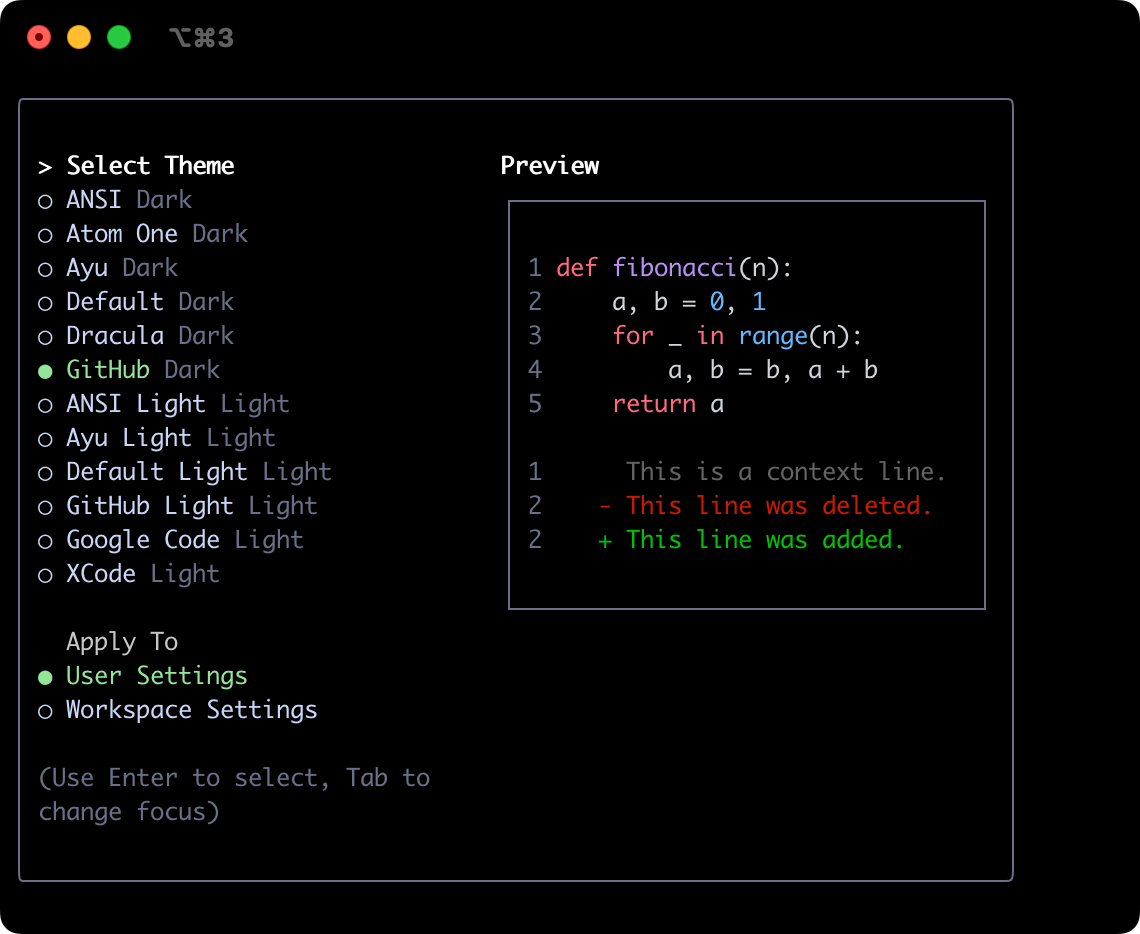
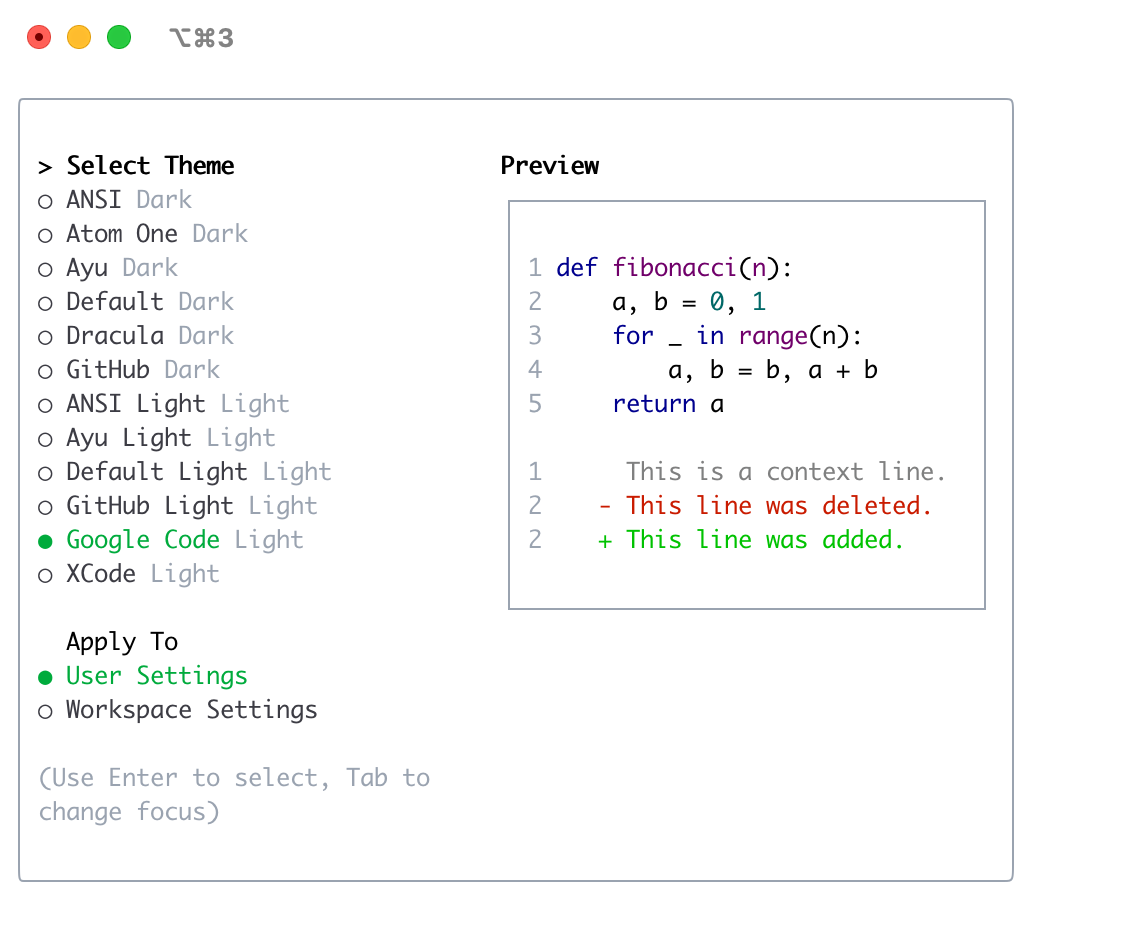
Gemini CLI comes with a selection of pre-defined themes, which you can list using the /theme command within Gemini CLI:
- Dark Themes:
ANSIAtom OneAyuDefaultDraculaGitHub
- Light Themes:
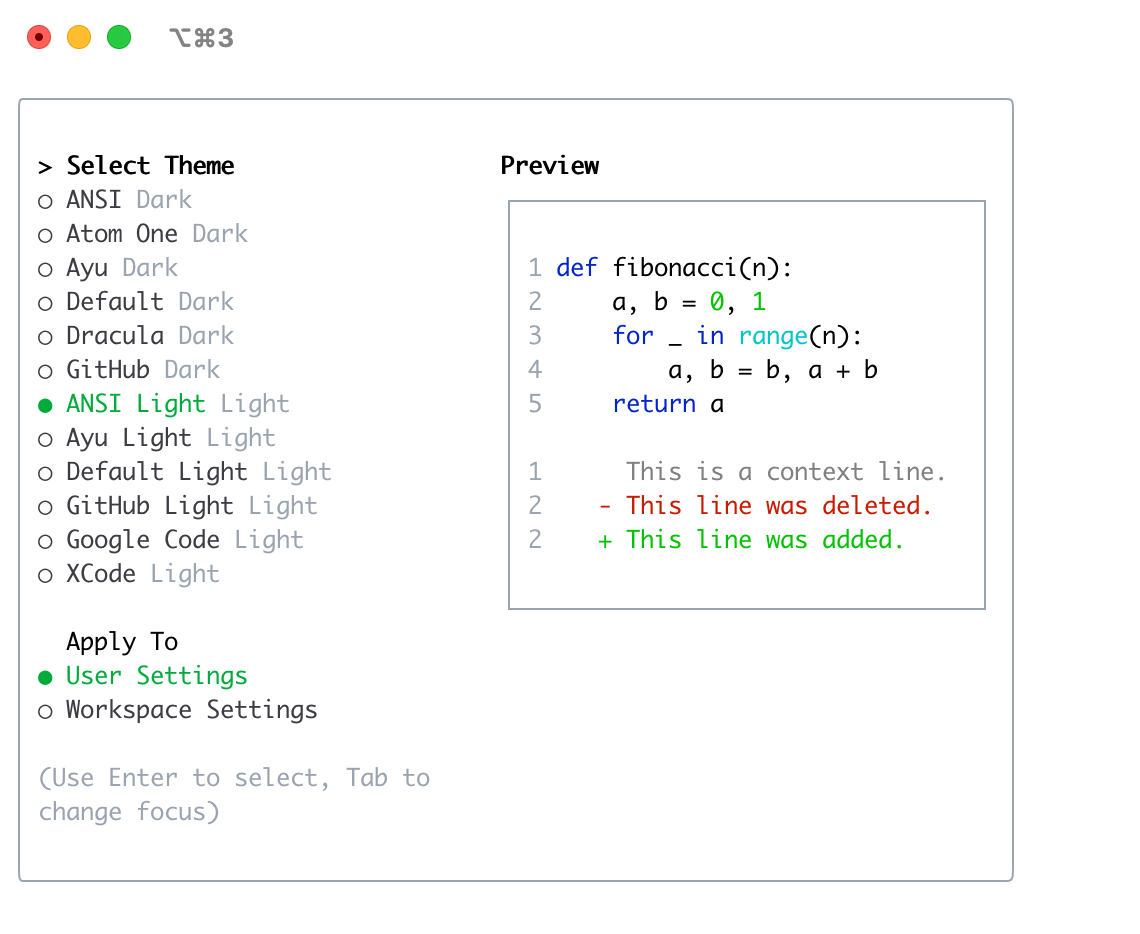
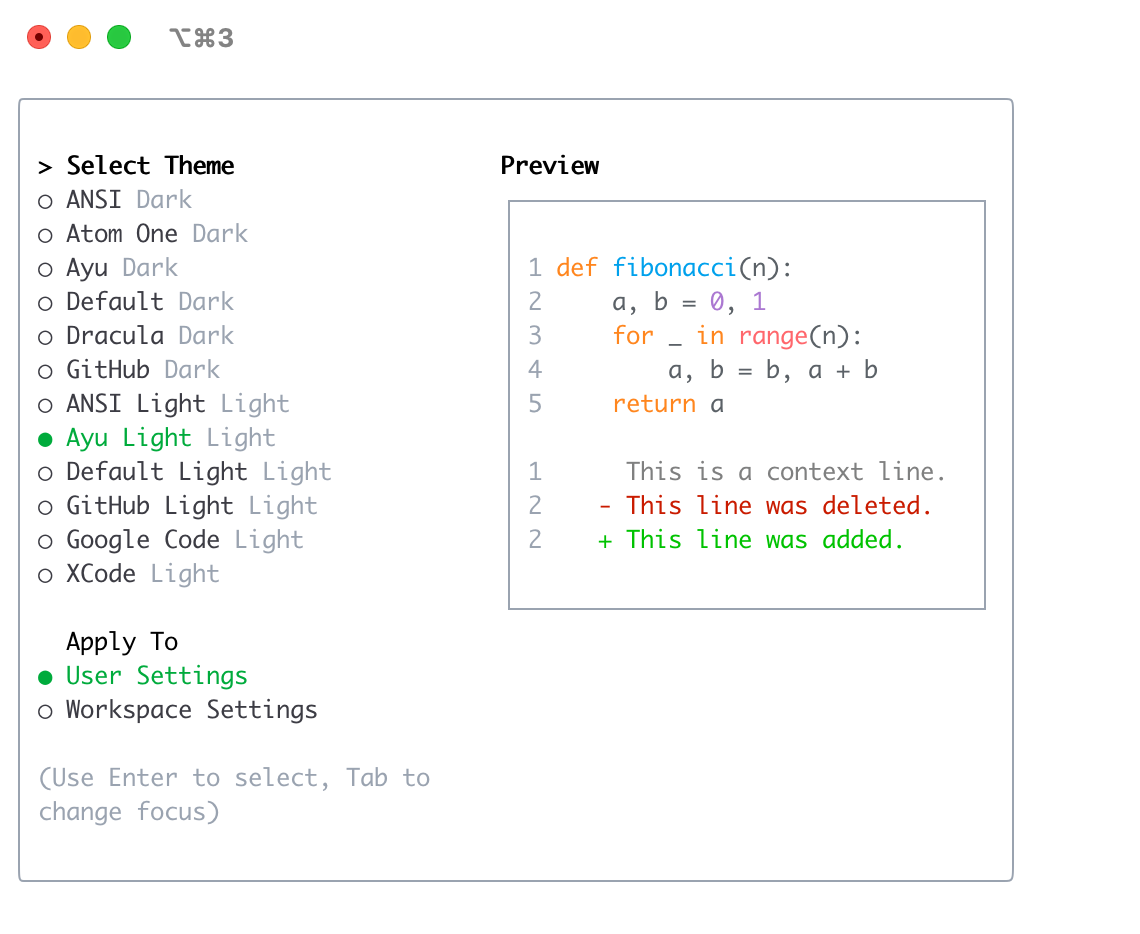
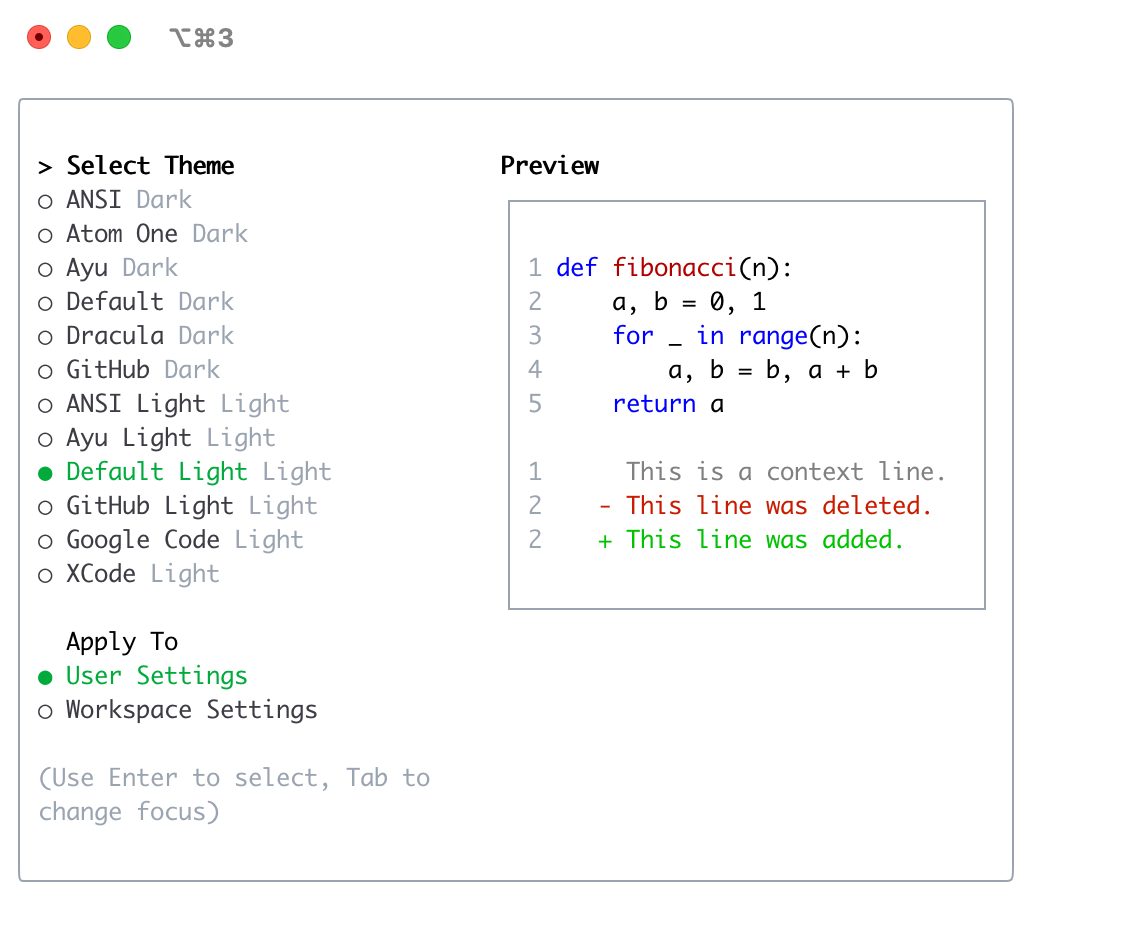
ANSI LightAyu LightDefault LightGitHub LightGoogle CodeXcode
Changing Themes
- Enter
/themeinto Gemini CLI. - A dialog or selection prompt appears, listing the available themes.
- Using the arrow keys, select a theme. Some interfaces might offer a live preview or highlight as you select.
- Confirm your selection to apply the theme.
Theme Persistence
Selected themes are saved in Gemini CLI’s configuration so your preference is remembered across sessions.
Custom Color Themes
Gemini CLI allows you to create your own custom color themes by specifying them in your settings.json file. This gives you full control over the color palette used in the CLI.
How to Define a Custom Theme
Add a customThemes block to your user, project, or system settings.json file. Each custom theme is defined as an object with a unique name and a set of color keys. For example:
{
  "customThemes": {
    "MyCustomTheme": {
      "name": "MyCustomTheme",
      "type": "custom",
      "Background": "#181818",
      "Foreground": "#F8F8F2",
      "LightBlue": "#82AAFF",
      "AccentBlue": "#61AFEF",
      "AccentPurple": "#C678DD",
      "AccentCyan": "#56B6C2",
      "AccentGreen": "#98C379",
      "AccentYellow": "#E5C07B",
      "AccentRed": "#E06C75",
      "Comment": "#5C6370",
      "Gray": "#ABB2BF",
      "DiffAdded": "#A6E3A1",
      "DiffRemoved": "#F38BA8",
      "DiffModified": "#89B4FA",
      "GradientColors": ["#4796E4", "#847ACE", "#C3677F"]
    }
  }
}
Color keys:
BackgroundForegroundLightBlueAccentBlueAccentPurpleAccentCyanAccentGreenAccentYellowAccentRedCommentGrayDiffAdded(optional, for added lines in diffs)DiffRemoved(optional, for removed lines in diffs)DiffModified(optional, for modified lines in diffs)
Required Properties:
name(must match the key in thecustomThemesobject and be a string)type(must be the string"custom")BackgroundForegroundLightBlueAccentBlueAccentPurpleAccentCyanAccentGreenAccentYellowAccentRedCommentGray
You can use either hex codes (e.g., #FF0000) or standard CSS color names (e.g., coral, teal, blue) for any color value. See CSS color names for a full list of supported names.
You can define multiple custom themes by adding more entries to the customThemes object.
Example Custom Theme

Using Your Custom Theme
- Select your custom theme using the
/themecommand in Gemini CLI. Your custom theme will appear in the theme selection dialog. - Or, set it as the default by adding
"theme": "MyCustomTheme"to yoursettings.json. - Custom themes can be set at the user, project, or system level, and follow the same configuration precedence as other settings.
Dark Themes
ANSI

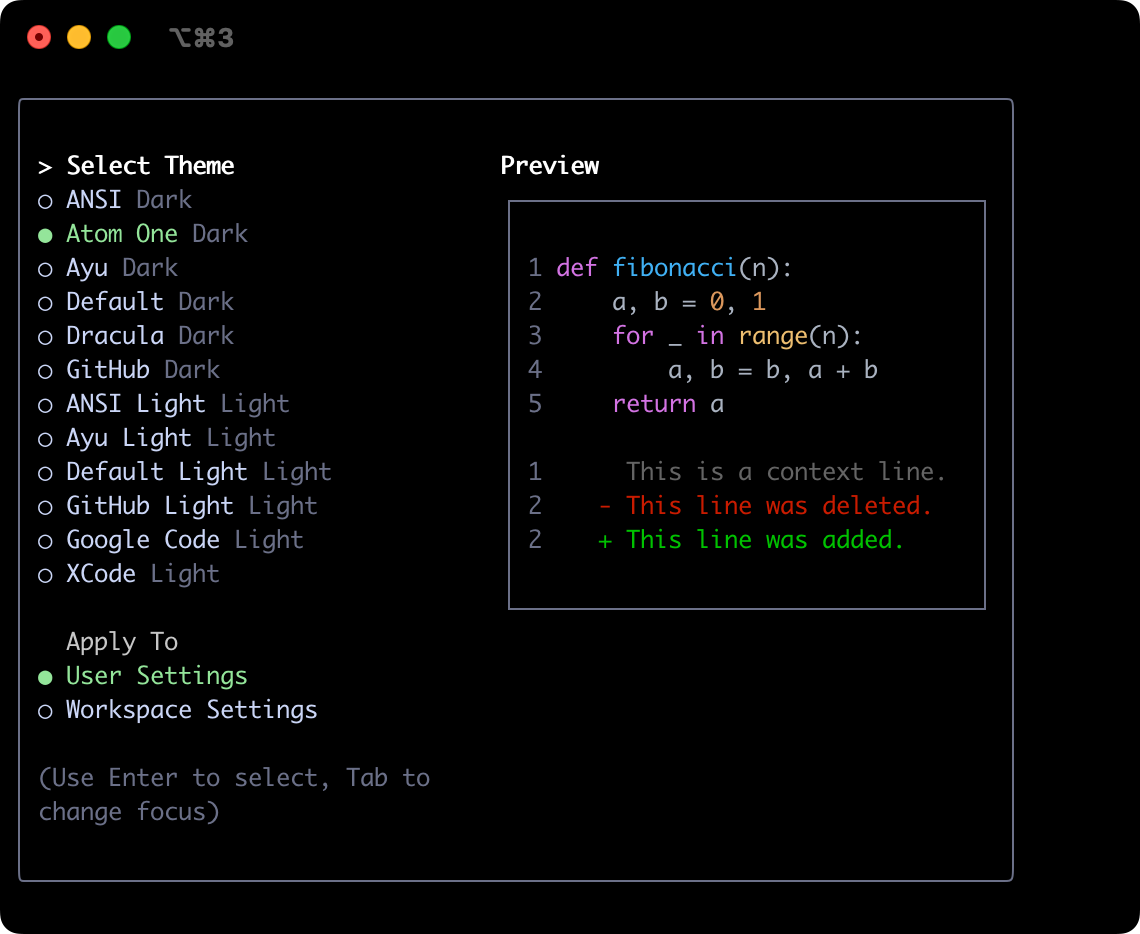
Atom OneDark
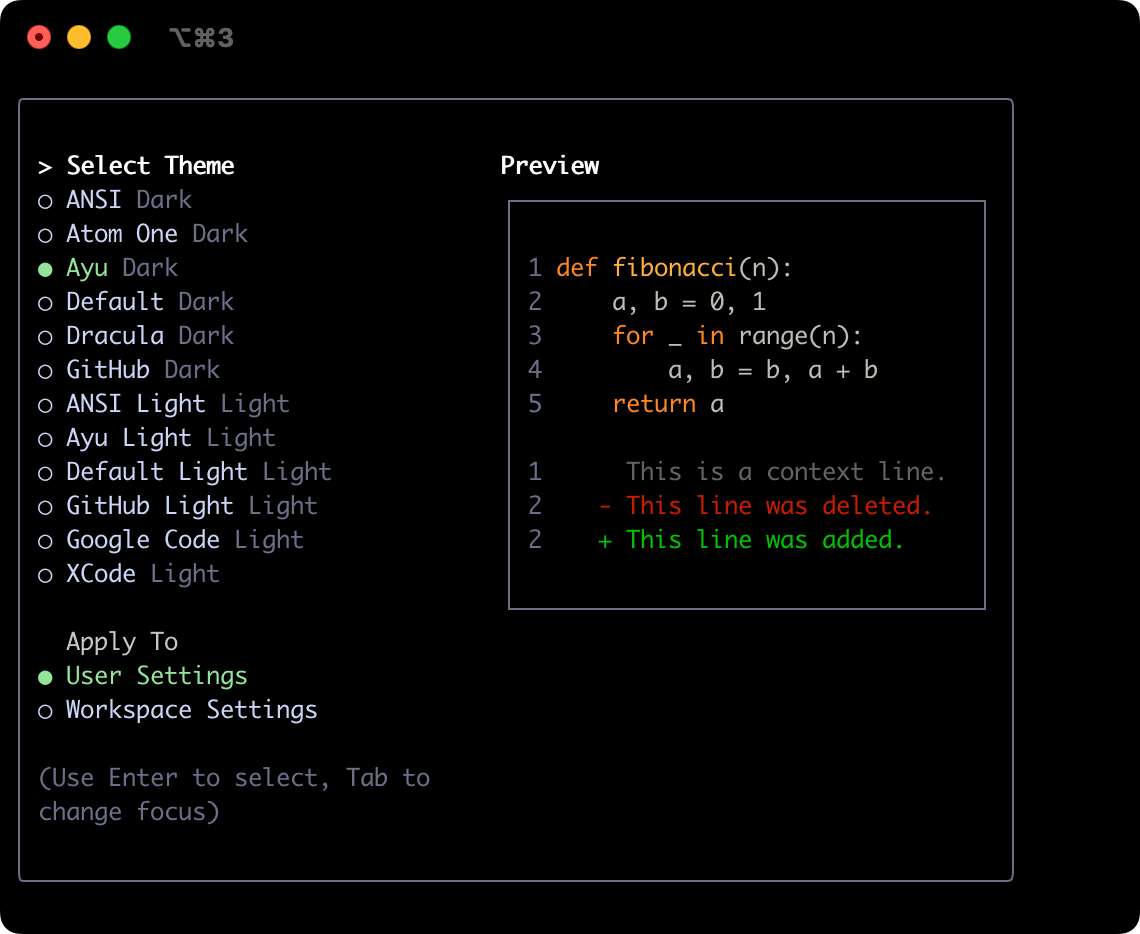
Ayu
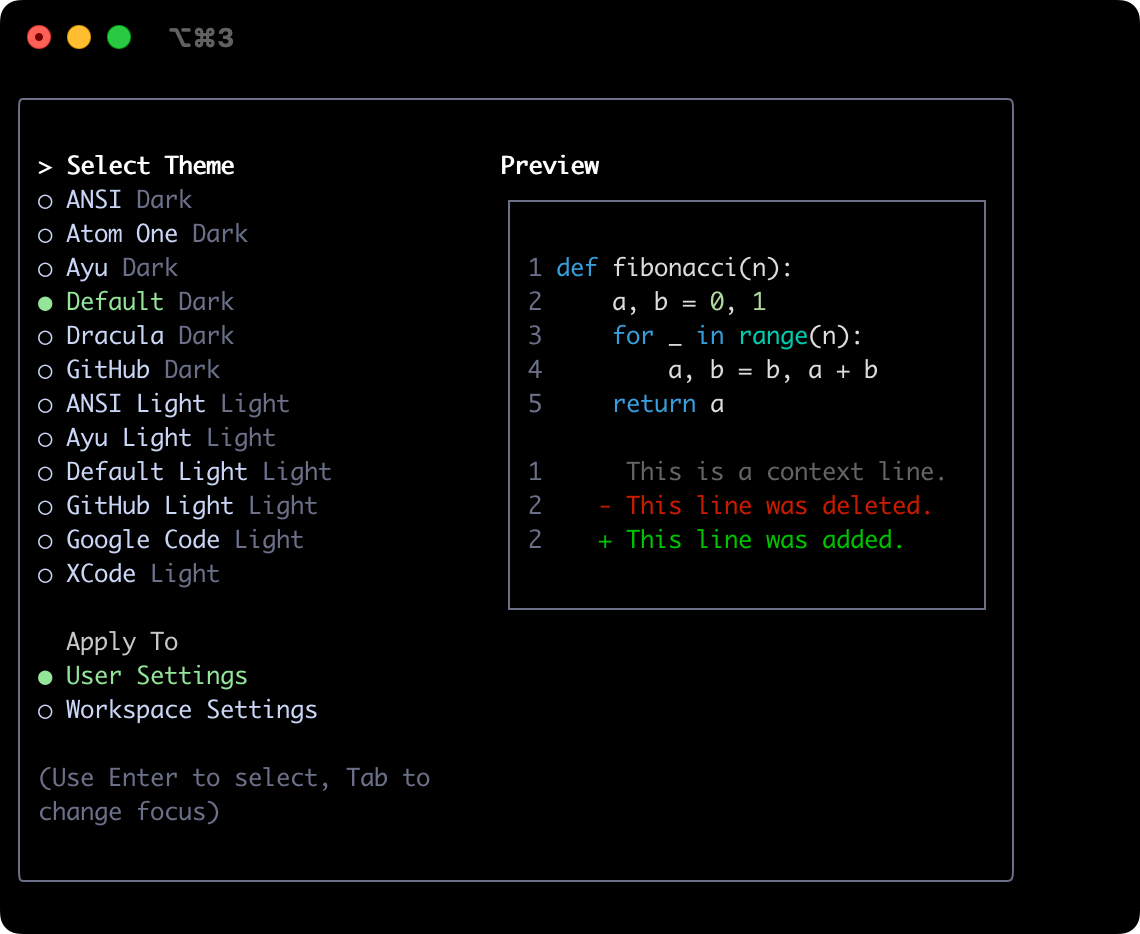
Default
Dracula

GitHub
Light Themes
ANSI Light
Ayu Light
Default Light
GitHub Light

Google Code
Xcode